
Simple Hurricane Prep Checklist for South Florida: What to Do Before the Storm Hits
Hurricane season runs June through November. These are the straightforward, no-stress things every South Florida household and business should do before a storm forms, from backing up your data to protecting your electronics. Nothing complicated, just what actually works.
SNS Team
IT & Cybersecurity Team · Simple Network Solutions
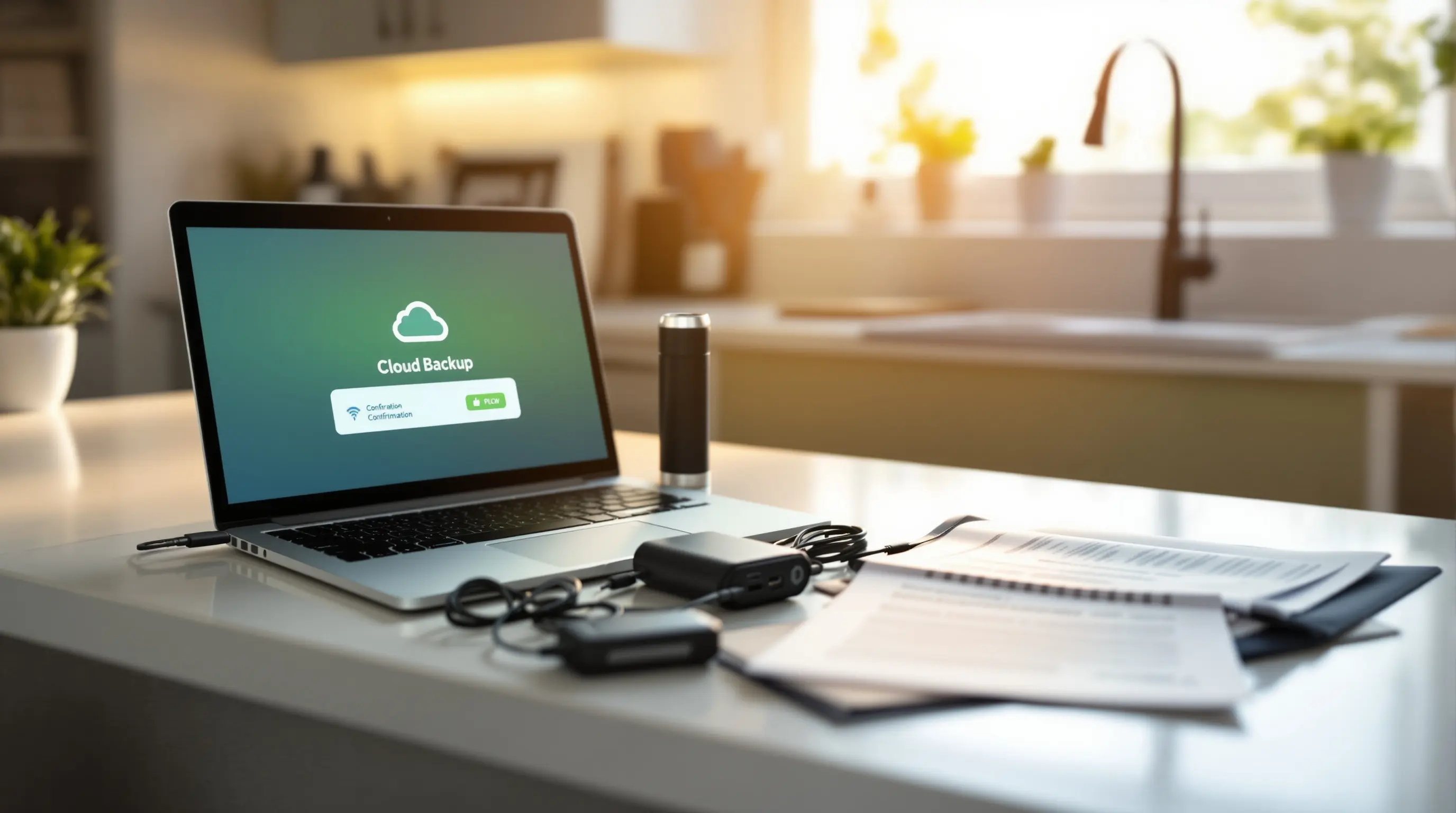
If you live or work in South Florida, Miami-Dade, Broward, or Palm Beach County, hurricane season is just part of life. It starts June 1st and runs through November 30th, and during those six months, the question is never if a storm will threaten the area, but which one and when. The good news: a little preparation goes a long way, and most of it takes less than an afternoon. This checklist covers the simple, practical things that actually make a difference, nothing dramatic, nothing expensive, just what works.
Back Up Your Data, It Takes 15 Minutes
If you do nothing else on this list, do this one. A hurricane can destroy a laptop, a desktop, or an external hard drive sitting on your desk. Flood water does not care about years of family photos, tax records, or client files. Backing up your data to the cloud means even if every device in your home or office is destroyed, your important files survive.
- Photos and videos: Upload everything on your phone to Google Photos or iCloud. Both are free up to 15GB and 5GB respectively. Do this now, not when the storm is 48 hours out and cell networks are jammed.
- Important documents: Scan or photograph your driver's license, passport, insurance policies, property deed, lease agreement, and medical records. Save them to Google Drive, OneDrive, or Dropbox. A free account gives you enough space for all of these.
- Work files: If you use Microsoft 365 or Google Workspace, your files are already in the cloud, but confirm they are synced. If you save anything locally to your desktop or documents folder, drag it into OneDrive or Google Drive now.
- Computer backup: For Windows, use File History with an external drive or Backblaze for cloud backup. For Mac, Time Machine with an external drive or iCloud backup. The external drive goes with you if you evacuate, do not leave it behind.
The 3-2-1 backup rule applies to hurricane prep too: 3 copies of anything irreplaceable, on 2 different types of storage, with 1 stored off-site or in the cloud. If your only backup is an external drive sitting next to your computer, you do not have a backup, you have two copies in the same flood zone.
Get monthly IT tips for Miami businesses
No spam · Unsubscribe anytime · Practical advice only
Protect Your Electronics from Surge and Water Damage
Power surges during and after a hurricane are one of the most common causes of fried electronics in South Florida. When power comes back on after an outage, the initial surge can destroy anything plugged in, computers, TVs, routers, refrigerators. Water damage is the other obvious threat, and it does not take a flood. A roof leak directly above your desk is enough.
- Unplug everything before the storm arrives: Computers, monitors, printers, TVs, gaming consoles, routers, modems, and any other valuable electronics. Surge protectors help, but they are not guaranteed against major surges. Unplugging is free and foolproof.
- Move electronics away from windows and off the floor: Place computers, external drives, and important devices on desks, counters, or shelves, ideally in an interior room with no windows. If flooding is possible, move them to the highest floor of your home.
- Use waterproof containers for small devices: A plastic storage bin with a locking lid can protect laptops, external drives, power banks, and important paper documents. Add a silica gel packet if you have one to absorb moisture.
- Take a photo of your setup before you disconnect: A quick phone photo of how your computer, monitor, and cables are connected now will save you 30 minutes of frustration when you are reconnecting everything after the storm passes.
Charge Everything You Own, and Then Some
After a hurricane, power can be out for hours or days. Your phone becomes your lifeline, for emergency alerts, communication, news, and entertainment. Assume you will not be able to charge anything for at least 48 hours after the storm passes.
- Phones, tablets, and laptops: Charge to 100% before the storm arrives. Keep them plugged in until the power goes out or you unplug them for surge protection.
- Portable power banks: Buy at least one high-capacity power bank (20,000mAh or more). This can charge a smartphone 4–5 times. Charge it fully and keep it in your go-bag.
- Car chargers: Your car is a giant generator on wheels. Make sure you have a car charger for every device type in your household. After the storm, you can charge devices from your car while running errands or surveying damage.
- Laptops as power banks: A fully charged laptop can charge a phone multiple times via USB. Keep your laptop charged and use it as a backup power source for your phone in a pinch.
- Battery-powered fans and lights: South Florida after a hurricane is hot and dark. A battery-powered fan and a few LED lanterns make a massive difference in comfort. Stock up on batteries now, they sell out fast when a storm watch is announced.
Have a Communication Plan That Does Not Depend on Wi-Fi
Cellular networks often stay up during and after hurricanes even when home internet goes down, but they can get congested. Text messages use far less bandwidth than phone calls and are more likely to go through when networks are overloaded. Have a simple plan so your family, employees, and key contacts know how to reach each other.
- Designate an out-of-state contact: Pick one person outside Florida who can serve as a central check-in point. When local networks are congested, calling or texting someone in another state is often easier than reaching someone across town.
- Create a group text or WhatsApp group: For family, your immediate team at work, or your building's residents. One message updates everyone at once instead of making 15 individual calls.
- Write down key phone numbers on paper: If your phone dies and you cannot charge it, you still need to reach people. Write down emergency contacts, your insurance agent, your landlord or property manager, and your out-of-state contact. Keep the paper in your wallet or go-bag.
- Download offline maps: In Google Maps, you can download the map of your area for offline use. After a storm, GPS still works even without cellular data, but you need the map saved locally.
- Know your local emergency radio station: In Miami-Dade, it is WLRN 91.3 FM. In Broward, it is WLRN 91.3 FM or WQAM 560 AM. A battery-powered or hand-crank radio is one of the best $20 investments you can make.
Save Your Important Documents to the Cloud Right Now
This is the one task most people put off until it is too late. If your home or office is damaged, accessing insurance, applying for FEMA assistance, or proving your identity all require documents that may have been destroyed. Digitizing them takes 20 minutes and eliminates that risk entirely.
- Insurance policies: Homeowners, renters, flood, auto, and business insurance. Take clear photos of the declaration pages showing your policy numbers and coverage limits.
- Identification: Driver's license, passport, Social Security card, birth certificate. For each person in your household.
- Property records: Deed, mortgage statement, lease agreement, property tax records.
- Medical information: Health insurance cards, list of medications with dosages, doctor contact information, vaccination records.
- Financial records: Recent bank statements, credit card numbers with customer service phone numbers, investment account information.
- Business documents: Business license, EIN letter, client contracts, vendor agreements, payroll information.
Scan or photograph everything with your phone and upload it to a cloud folder labeled "Emergency Documents." Share the folder with a trusted family member who lives outside Florida so someone else has access if you cannot reach your account.
The 48-Hour Before Landfall Checklist
When a hurricane watch is issued for your area and landfall is roughly 48 hours away, here is your step-by-step technology and data prep list in order of priority:
- 1Confirm your cloud backup completed successfully: Do not assume it ran automatically. Open your backup app and verify the last successful backup was within the past 24 hours.
- 2Charge all devices and power banks to 100%: Phones, tablets, laptops, portable batteries, backup phone batteries. Plug everything in now and do not unplug until you have to.
- 3Download offline content: Maps of your area, any important documents from cloud storage, a few movies or shows for entertainment if you have kids (or yourself, no judgment).
- 4Unplug non-essential electronics: Computers, TVs, gaming systems, printers, routers, and anything expensive. Leave only your refrigerator and essential appliances plugged in until the storm gets close.
- 5Move electronics and important items away from windows and off the floor: Even if you are not in a flood zone, wind-driven rain can enter through windows and soak whatever is nearby.
- 6Photograph your home or office for insurance: Walk through each room and take clear photos of your belongings, electronics, furniture, and the general condition of the space. Email these to yourself so they are in the cloud.
- 7Fill your car's gas tank and charge your car charger: Gas stations run out of fuel before hurricanes. Refuel when the watch is issued, not when the warning comes.
- 8Fill your bathtub with water: You can use this water for flushing toilets and basic cleaning if water service is interrupted after the storm.
A Quick Note on Generators and Electronics
If you have a portable generator, never run it indoors, in a garage, or near windows, carbon monoxide poisoning kills more people after hurricanes than storm surge in many years. When connecting electronics to a generator, use a surge protector between the generator and your devices. Generator power is not as clean as utility power, and voltage fluctuations can damage sensitive electronics like laptops and routers. A power conditioner or UPS (uninterruptible power supply) between your generator and your computer adds an extra layer of protection worth the $60–$100 investment.
After the Storm: What to Do with Your Tech
When the storm has passed and it is safe to return home or to your office, your electronics need a careful restart process:
- Do not power on anything that got wet: Water and electricity do not mix. If a device got wet, leave it unplugged and contact a professional. Attempting to turn on a wet device can permanently destroy it.
- Check for visible damage before plugging anything in: Look for water stains, bent plugs, frayed cords, or burn marks around outlets. If you see any of these, do not use that outlet until an electrician inspects it.
- Plug in your router and modem first: Internet service often returns before you realize it. Plug in your network equipment first so you can check for connectivity and get updates.
- Contact your IT provider or tech support: If any business systems are down or damaged, your managed IT provider should be your first call. At Simple Network Solutions, we prioritize existing clients for post-storm recovery support.
- File insurance claims promptly: Use the photos you took before the storm. Most insurance policies require claims to be filed within a specific timeframe after the damage occurs.
Pro Tip
Miami-Dade and Broward businesses can request managed IT pricing or book a paid first visit to review their recovery planning. We will check your backup configuration, confirm it is actually working, and make sure you have a written recovery plan that covers exactly what to do before and after a storm. Call (786) 383-2066, hurricane season is here, and the time to prepare is before the storm forms, not after.
Related Reading
From our accessibility & IT resources library

What Types of Businesses Should Have an ADA-Compliant Website?
Read the full guideStay ahead of Miami's IT threats & trends
Monthly insights written for South Florida business owners, covering cybersecurity alerts, cost-saving IT strategies, and Miami-specific technology advice.
About the Author
SNS Team
IT & Cybersecurity Team
The Simple Network Solutions team has supported South Florida businesses since 2006.