
Microsoft Quietly Made Office 365 More Secure in 2019 But Only If You Turn It On
In late 2019, Microsoft introduced Security Defaults for all new Office 365 tenants a package of baseline security settings that automatically protect accounts. Existing tenants got nothing. Here's what you need to enable manually.
SNS Team
IT & Cybersecurity Team · Simple Network Solutions
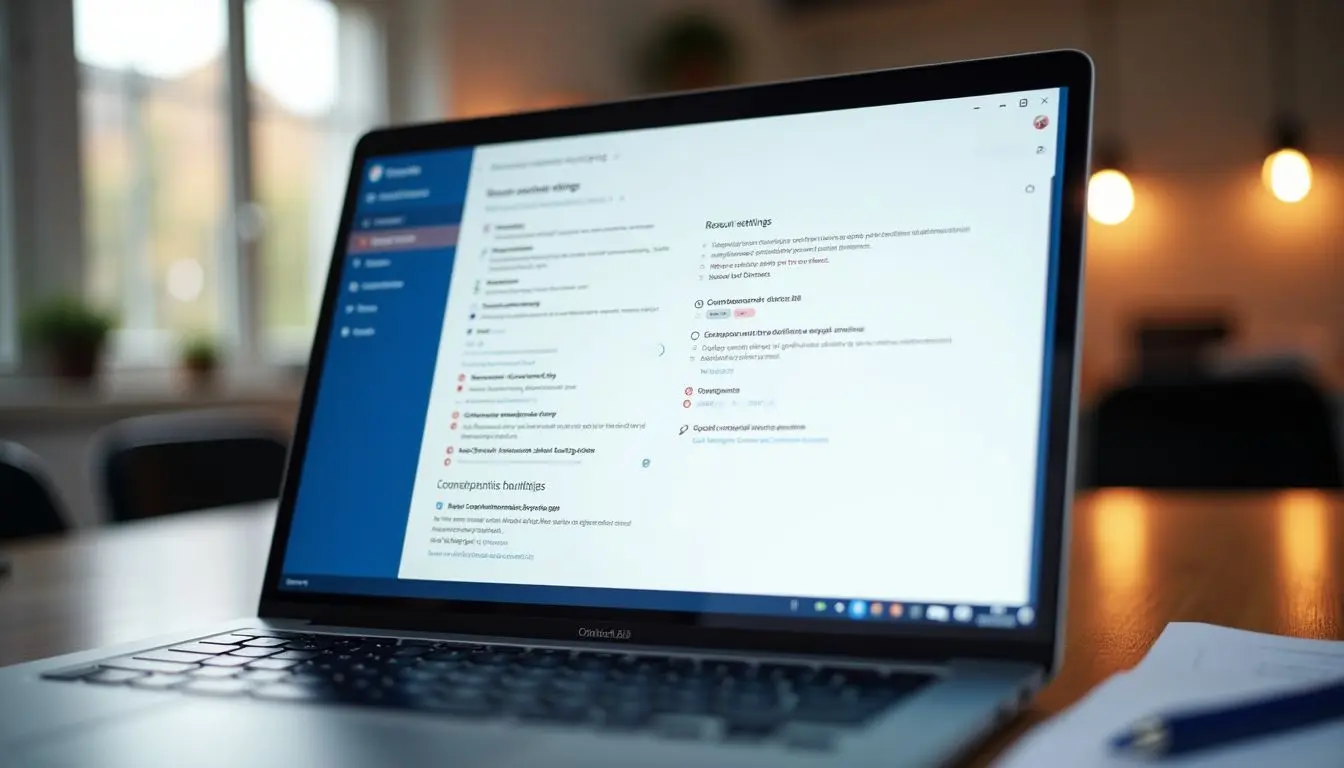
In October 2019, Microsoft rolled out a feature called Security Defaults for all new Microsoft 365 and Office 365 tenants a preconfigured bundle of security settings that the company had determined, based on analysis of attacks across millions of tenants, would block the vast majority of common attacks. The settings include mandatory multi-factor authentication for all users and admins, blocking of legacy authentication protocols, and requiring MFA registration within 14 days of account creation. New tenants get these defaults automatically. If your organization has had an Office 365 tenant for any length of time, you got nothing and most existing tenants have no idea these protections even exist.
What Microsoft's Security Defaults Actually Include
- Mandatory MFA for all administrator accounts: Every account with admin privileges must complete MFA at every sign-in. This single control blocks the vast majority of admin account compromise attacks.
- MFA registration required for all users: All users must register for MFA within 14 days of account creation and are prompted to complete MFA for certain sign-in events.
- Blocking of legacy authentication: Protocols like Basic Auth, IMAP, POP3, and SMTP AUTH which cannot support modern MFA are blocked. This eliminates a major attack vector that attackers use specifically to bypass MFA.
- Privileged action protection: Actions like accessing the Azure portal, PowerShell, or Exchange Admin Center always require MFA, even if a user has already authenticated.
Microsoft's internal research found that accounts with MFA enabled are 99.9% less likely to be compromised. That is not a marketing claim it reflects the reality that most automated credential attacks simply cannot handle a second authentication factor. Enabling MFA on all Office 365 accounts is the highest-ROI security action any small business can take in 2019.
How to Enable Security Defaults on an Existing Tenant
Get monthly IT tips for Miami businesses
No spam · Unsubscribe anytime · Practical advice only
- 1Sign in to the Azure portal at portal.azure.com as a Global Administrator
- 2Navigate to Azure Active Directory → Properties
- 3Click "Manage Security Defaults" at the bottom of the page
- 4Toggle "Enable Security Defaults" to Yes
- 5Click Save
That's it. However, there are important caveats before you enable Security Defaults on an existing tenant. If your organization uses any legacy email clients (older versions of Outlook, Apple Mail configured with Basic Auth, or any application using SMTP AUTH for automated emails), those connections will break when you enable Security Defaults. Audit your email clients and any applications that send email before enabling.
If Your Organization Uses Conditional Access, Skip Security Defaults
Security Defaults and Conditional Access policies are mutually exclusive you cannot run both. If your tenant already has Conditional Access policies configured (typically through Azure AD Premium P1 or Microsoft 365 Business Premium), do not enable Security Defaults. Instead, audit your existing Conditional Access policies to ensure they provide at minimum the same protections as Security Defaults.
The Legacy Authentication Problem: Why It Matters More Than You Think
One of the most valuable things Security Defaults does is block legacy authentication and it is worth understanding why this matters so specifically. Legacy email protocols like IMAP and POP3, along with older versions of Exchange ActiveSync, do not support modern multi-factor authentication. An attacker who obtains a username and password for a user on one of these protocols can authenticate directly to email without ever triggering an MFA prompt. Microsoft's data indicates that over 99% of password spray attacks and a significant majority of credential stuffing attacks use legacy authentication. Blocking it is not an inconvenience it is removing one of the most exploited attack vectors in Office 365.
- Audit which clients and apps in your environment use legacy auth before blocking it
- Common offenders: older Outlook versions, iPhone Mail configured with Basic Auth, any automated system that sends email via SMTP with username/password
- Modern alternatives: Outlook 2016 or newer, the Outlook mobile app, or OAuth-based email authentication for automated systems
Pro Tip
Simple Network Solutions includes a Microsoft 365 security configuration review as part of all managed IT engagements. We audit your current tenant settings, enable Security Defaults or configure Conditional Access policies as appropriate, and identify any legacy authentication dependencies that need to be resolved first. Call (786) 383-2066 to schedule a review.
Related Reading
From our accessibility & IT resources library

What Types of Businesses Should Have an ADA-Compliant Website?
Read the full guideStay ahead of Miami's IT threats & trends
Monthly insights written for South Florida business owners, covering cybersecurity alerts, cost-saving IT strategies, and Miami-specific technology advice.
About the Author
SNS Team
IT & Cybersecurity Team
The Simple Network Solutions team has supported South Florida businesses since 2006.